The Best AI Email Writers in 2026, Ranked by What They Actually Draft
Looking for the best AI email writer in 2026? This guide ranks eight tools by the thing buyers actually care about: the draft that shows up on screen, how much you still rewrite, and whether the tool helps clear the surrounding inbox work.
Inbox Ninja Team
Inbox Ninja
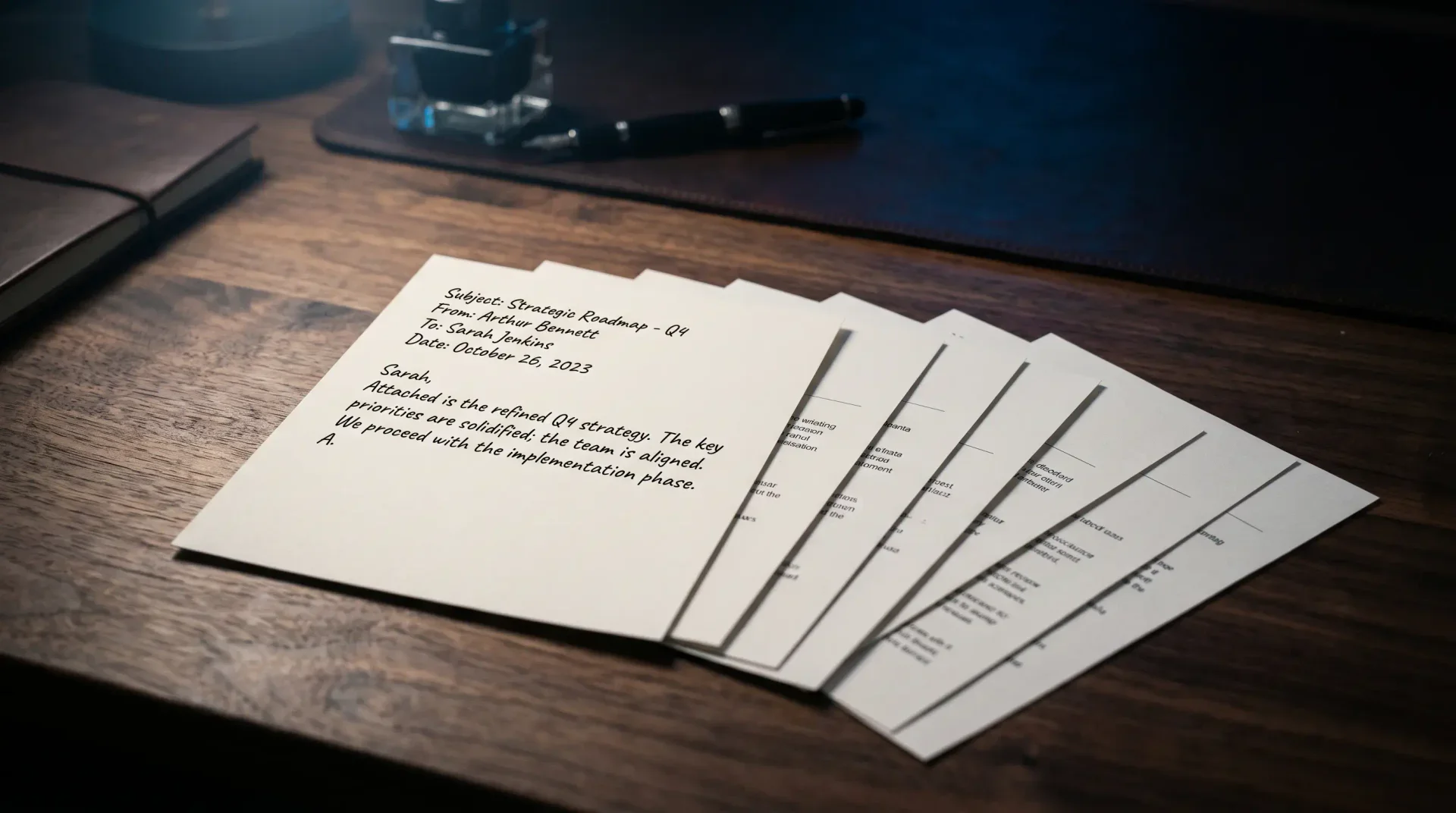
The best AI email writer in 2026 is not the one that produces the prettiest paragraph. It is the one that gives you a draft you can actually send.
That sounds obvious, but most comparison posts still grade the wrong thing. They compare feature lists, not edits. They compare promise, not the sentence that shows up when your CEO forwards a 38-message thread and writes, “Thoughts?”
So this ranking uses a stricter test. We looked at eight tools and asked four buyer questions:
- How close is the first draft to send-ready?
- How much rewriting do you still do?
- Does the tool understand thread context without a long prompt?
- Does it help with the inbox around the draft, not just the draft itself?
If you are trying to choose the best AI email writer, that is the split that matters. The category is separating into two camps:
- AI writing helpers that generate a reply when asked
- AI email operators that summarize, triage, and draft so you reopen fewer threads later
If you want the workflow behind that second model, read AI Email Writer in 2026: Draft, Don't Decide. If you are comparing broader inbox products, start with our best AI email assistant comparison. And if long threads are your real bottleneck, pair this guide with The Death of Email Thread Hell.
Quick ranking: the best AI email writers in 2026
The winner is not the tool with the most polish. It is the one that produces the fewest rewrites on a real thread.
The short version
- Best AI email writer overall: Inbox Ninja
- Best AI email writer for Gmail-native convenience: Gmail with Gemini
- Best AI email writer for long-thread context: Shortwave
- Best AI email writer for premium speed users: Superhuman
- Best AI email writer for Outlook-centric teams: MailMaestro or Microsoft Copilot, depending on how much AI you want versus how little workflow change you will tolerate
- Best AI email writer if price is the gating factor: Gmail with Gemini if you already pay for Google Workspace, Spark if you want a lower standalone entry point, and Superhuman only if the client speed is part of the value equation
Pricing reality check: what the shortlist costs in 2026
Feature lists blur together fast. Pricing does not. If two tools are within one edit of each other on draft quality, buyers usually choose the one that fits the stack they already pay for.
| Tool | What pricing looks like in 2026 | What that means for buyers |
|---|---|---|
| Superhuman | Starter at $25 per user per month, Business at $33 per user per month | Worth it if speed and client UX are the point, expensive if you only want an AI draft button |
| Shortwave | Business at $24 per seat per month billed annually | Competitive if thread summaries save you time every day, less compelling if you do not want to switch clients |
| Spark | Plus at $10 per user per month, Pro at $20 per user per month | One of the easier price points to justify for shared-mailbox collaboration |
| Google Workspace with Gemini | Business Starter at $7 per user per month, Standard at $14, Plus at $22 on annual plans | The lowest-friction choice if Gmail is already your home base and Workspace is already budgeted |
| Lindy | Plus at $49.99 per month, Pro at $99.99, Max at $199.99, plus a 7-day free trial | Priced more like a broader work assistant than a lightweight email writer |
| MailMaestro | 14-day free trial, then a free plan with 3 requests per week; yearly plans advertise a 20% discount | A practical Outlook add-in path, though the pricing page is less transparent about paid tiers than some competitors |
| Microsoft Copilot for Outlook | Usually bought as part of the Microsoft 365 and Copilot bundle, not as a simple email-only SKU | Easy to explain to IT, harder to justify if you are comparing only draft quality per dollar |
That pricing spread is part of the story. The category now ranges from “add AI to the mailbox I already pay for” to “buy a full work assistant that happens to write email.” If you skip the pricing context, the ranking feels more decisive than it really is.
What we mean by “best AI email writer”
A lot of searchers are not really looking for a generic writing assistant. They are looking for one of three different things:
| What you actually need | What the tool should do | Best fit |
|---|---|---|
| A reply you can send with almost no edits | Match your real voice and use thread context well | Inbox Ninja |
| Help inside the inbox you already use | Draft or rewrite without making you switch clients | Gmail with Gemini or Copilot for Outlook |
| Context before wording | Summarize long threads, then draft from that state | Shortwave |
| Faster keyboard-first email operations | Keep the client fast, with AI drafting as an add-on | Superhuman |
| Team collaboration around a shared mailbox | Support comments, assignments, and shared drafts | Spark |
That is why so many “best AI email writer” lists feel mushy. They collapse very different jobs into one category.
The test that matters: what the draft actually looks like
The easiest way to separate a true best AI email writer from a glorified rewrite button is to run three scenarios:
- Decline a meeting and offer two alternatives
- Follow up with a vendor who has been quiet for eight days
- Reply to a terse executive forward that assumes thread context
When we grade tools against those scenarios, four failure modes show up fast:
- The draft sounds polished but not like you
- The tool ignores the buried ask in paragraph three
- The tool writes too much because it is compensating for weak judgment
- The tool helps with the sentence but not with the surrounding inbox decision
That is why email triage systems matter here. Draft quality and inbox handling are converging.
Best AI email writers compared
1. Inbox Ninja
Best for: people who want an AI email writer that sounds like them and reduces the rest of the inbox work too.
Inbox Ninja is strongest when the real problem is not “write one better sentence.” It is “I have 117 emails a day and too many of them keep coming back.” The product reads the thread, drafts in your voice, and helps narrow the queue to the handful of messages that actually need a decision.
Why it ranks first
- Drafts are shorter, more natural, and closer to send-ready than most generic AI helpers
- It handles the inbox around the draft, which means fewer reopen cycles later
- Voice matching is the point, not a side feature
- It works well when the email depends on thread history, not just the last message
Limits
- Best fit today for Gmail-centered workflows
- macOS-first product
- Newer product category than the incumbents
Best if you are saying: “I do not want help writing more email. I want less email labor.”
2. Shortwave
Best for: Gmail users who need thread summaries almost as much as they need a draft.
Shortwave stays near the top because it understands something a lot of AI writer tools miss: you cannot draft well if you are still lost in the thread. Its summaries are often more useful than the reply text itself, especially when a conversation sprawls.
Why it ranks high
- Strong thread summaries
- Good fit for people willing to adopt a different inbox client
- Better context handling than many one-shot reply generators
Limits
- Drafts still lean polished-generic
- Voice fidelity is weaker than the best specialist tools
- More workflow change than “works inside Gmail” products
3. Superhuman
Best for: operators who already live in Superhuman and want AI drafting inside a premium speed workflow.
Superhuman is still primarily a speed client. That is both its strength and its ceiling in this category. The AI is polished, but the product is not architected around voice match or inbox-level reasoning in the way the top drafting-first tools are.
Why it ranks here
- Excellent UI and keyboard speed
- Helpful drafts and summaries inside a strong client
- Starter pricing at $25 per user per month and Business at $33 per user per month make sense when the client itself is part of the value
- Works best when AI is an add-on to an already-loved workflow
Limits
- Expensive if AI drafting is the only reason you are considering it
- Better at helping fast email operators than overwhelmed email managers
- The draft quality is good, but not usually the best at “sounds exactly like me”
4. Gmail with Gemini
Best for: people who want the lowest-friction way to add AI email drafting to Gmail.
This is the most obvious default for many buyers because it is already inside the mailbox they use. For quick replies and first passes, that convenience matters.

Why it stays in the top half
- Native inside Gmail
- Easy to adopt if your team already pays for Google Workspace AI features
- Business Starter begins at $7 per user per month and Standard at $14, which makes this one of the easiest tools to justify financially if you are already inside Workspace
- Good enough for lightweight drafting and rewriting
Limits
- Generic output still shows up too often
- Weakest when nuance, thread history, or personal voice really matter
- It helps with writing more than it helps with inbox judgment
5. MailMaestro
Best for: Outlook users who want an add-in style assistant without changing their email home base.
MailMaestro fits a very real buyer shape: someone inside Outlook who wants AI help now, not after a client migration. That alone gives it an advantage in Outlook-heavy organizations.
Why it earns a middle spot
- Outlook fit matters for enterprise buyers
- Good for quick reply generation and tone adjustment
- 14-day free trial, then a free plan with 3 requests a week lowers the testing cost for cautious teams
- Simpler deployment story than a full client switch
Limits
- Draft quality is more utilitarian than distinctive
- Context handling is narrower than inbox-wide tools
- Less compelling if voice fidelity is your main buying criterion
6. Microsoft Copilot for Outlook
Best for: buyers who want AI inside Microsoft 365 with the least political friction.
Copilot is the safest answer in a lot of enterprise environments because it is the official one. That makes adoption easier. It does not automatically make the drafting better.
Why it matters anyway
- Easiest sell inside Microsoft-heavy organizations
- Native access pattern inside Outlook is attractive for cautious IT teams
- Useful for rewriting, summarizing, and first-pass drafting
- Often bought as part of a larger Microsoft 365 purchasing motion, which lowers political friction even when the draft quality is merely adequate
Limits
- Safe output often becomes generic output
- More of a suite feature than a drafting-first product
- Weaker when the real need is “sound like me” rather than “help me write something passable”
7. Spark
Best for: teams sharing one mailbox where collaboration matters as much as writing.
Spark's value is not that it writes the sharpest draft. It is that several people can work the same queue without stepping on each other.
Why it still belongs in the list
- Shared-draft and team-collaboration features matter in support, partnerships, and shared leadership inboxes
- Lower switching pain for some collaborative teams than premium speed clients
- AI writing is serviceable once the collaboration workflow fits
Limits
- Voice fidelity is not the main strength
- Better team inbox product than pure writer winner
- Solo users usually have better options elsewhere
8. Lindy
Best for: buyers who are really shopping for a broader work assistant, not just a cleaner draft.
Lindy is useful, but it now sits further from the center of the pure email-writer category than some older comparison posts imply. It is priced and positioned like an assistant that touches meetings, scheduling, inboxes, and browser tasks, not just email copy. That matters if your real need is automation. It matters less if you just want the sharpest reply draft.
It is also worth noting that Flowrite is no longer a separate standalone answer here. The old Flowrite lane has effectively folded into MailMaestro, which makes the 2026 buyer choice cleaner than a lot of legacy roundups suggest.
Why it ranks lower as a pure writer
- Better for orchestration and automation than “best first draft wins” tests
- Plus starts at $49.99 per month, which shifts the comparison toward assistant-level ROI rather than simple drafting ROI
- More setup overhead
- Less obvious fit for a buyer who just wants the best AI email writer this week
A better buyer scorecard than feature lists
| If this happens on a live thread... | What it means | How to score it |
|---|---|---|
| You send the first draft after one small edit | The tool is saving real labor | Strong buy signal |
| You mostly fix greeting, tone, and sign-off | The model writes fine, but does not know your voice | Maybe |
| You have to restate the thread before it writes well | Context handling is too weak | Weak fit |
| You still reopen the thread later to decide what to do | The product helps with prose, not workload | Not the best AI email writer for you |
The best AI email writer is usually the one that reduces edit loops and reopen loops at the same time.
Which best AI email writer should you choose?
Choose Inbox Ninja if...
You want the closest thing to a send-ready draft in your own voice, and you want help with the inbox around the draft too.
Choose Shortwave if...
You are willing to switch to a different Gmail-centered workflow and thread summaries are a major part of the problem.
Choose Superhuman if...
You already love Superhuman and want AI features to sit inside that fast client.
Choose Gmail with Gemini if...
You want the easiest path to AI drafting inside Gmail and are willing to accept more generic output in exchange for convenience.
Choose MailMaestro or Copilot if...
Outlook compatibility matters more than squeezing the last 10% out of draft quality.
Choose Lindy if...
Your email problem is really part of a larger assistant problem that also includes scheduling, meetings, and cross-tool automation.
Choose Spark if...
The mailbox is shared and your real problem is coordination, not just writing.
FAQ
What is the best AI email writer in 2026?
For most buyers, the best AI email writer in 2026 is the one that produces a short, context-aware draft you can actually send. In that test, Inbox Ninja is the strongest fit when voice and inbox context matter most, while Gmail with Gemini is the lowest-friction starting point and Shortwave is the strongest summary-first option.
Is an AI email writer the same thing as an AI email assistant?
No. An AI email writer focuses on generating or rewriting a reply. An AI email assistant should also help with triage, summaries, follow-through, and inbox decisions across multiple threads. If you are comparing the broader category, use our guide to the best AI email assistant tools in 2026.
What is the best AI email writer for Gmail?
If you want the lowest-friction answer, Gmail with Gemini is the easiest place to start. If you want stronger voice matching and inbox-wide context, Inbox Ninja is the better Gmail-centered choice.
What is the best AI email writer for Outlook?
For Outlook-heavy buyers, the question is usually less about the prettiest draft and more about how much workflow change you can tolerate. MailMaestro and Microsoft Copilot are the most natural starting points because they preserve the existing Outlook environment.
What should you test before paying?
Run one real thread through the tool with minimal prompting. Count how many edits you still make. Then ask whether the tool reduced the chance that you will need to reopen the thread later. Finally, compare that answer to the actual price you would pay for your stack. That tells you more than a feature matrix ever will.
Final verdict
The best AI email writer in 2026 is not the most impressive demo. It is the one that turns a real inbox into fewer decisions.
That is why the category is moving away from generic rewrite buttons and toward products that understand context, voice, and workload together. If your current tool gives you polished paragraphs you still have to rewrite, you do not have the best AI email writer yet.
If you want the operating model behind that shift, read Draft, Don't Decide, The Death of Email Thread Hell, and our best AI email assistant comparison.
Open Inbox Ninja on Rush if you want an AI email writer that drafts in your voice and helps clear the inbox around the message too.
Sources
Related Articles
Best AI Email Writer in 2026: 5 Tools Compared by Draft Quality
Looking for the best AI email writer in 2026? This comparison breaks down five tools by draft quality, workflow fit, pricing, and privacy.
Superhuman vs Shortwave vs Inbox Ninja: Which AI Email Tool Actually Sounds Like You?
Three AI email tools, the same five prompts. Where each one lands on price, workflow, and the only metric that really matters — does the draft sound like you?
Best AI Email Assistant in 2026: Superhuman vs Shortwave vs SaneBox vs Inbox Ninja
Looking for the best AI email assistant? This comparison breaks down Superhuman, Shortwave, SaneBox, Spark, and Inbox Ninja by price, workflow, and limitations.
Ready to hit inbox zero?
Inbox Ninja triages your email, summarizes threads, and drafts replies in your voice.
Open Inbox Ninja